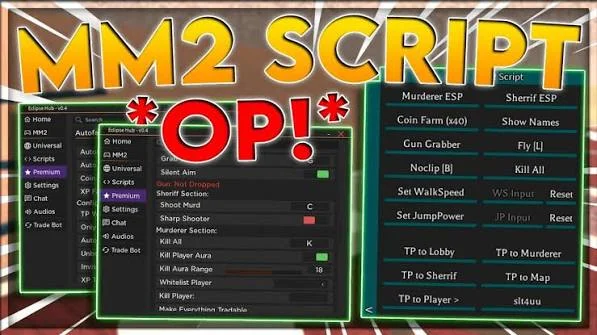
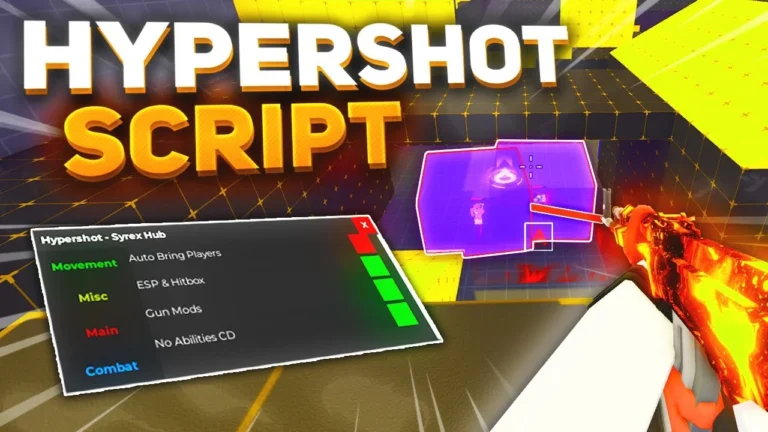
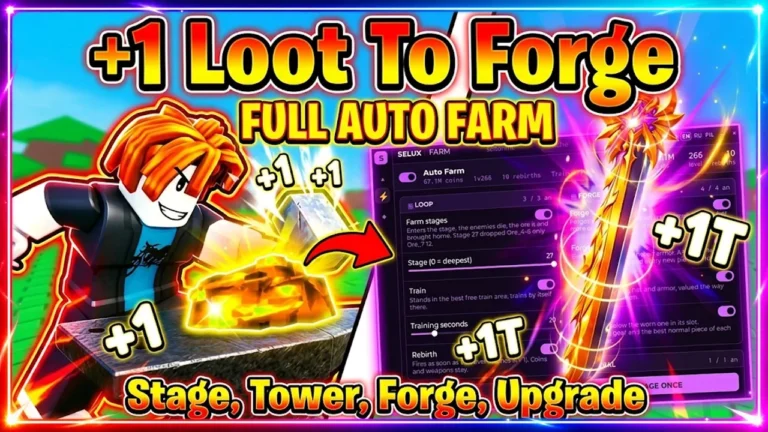
DOORS is one of the most well-known horror experiences on Roblox, combining exploration, puzzles, survival, and unexpected encounters. Players move through a series of rooms while searching for items, solving obstacles, and trying to survive different entities.
DOORS Script is a collection of third-party functions designed to provide additional gameplay options. Depending on the script version, players may find features such as Unlock All Achievements, WalkSpeed, FullBright, Skip Level, Fly, ESP, Teleports, and other utilities.
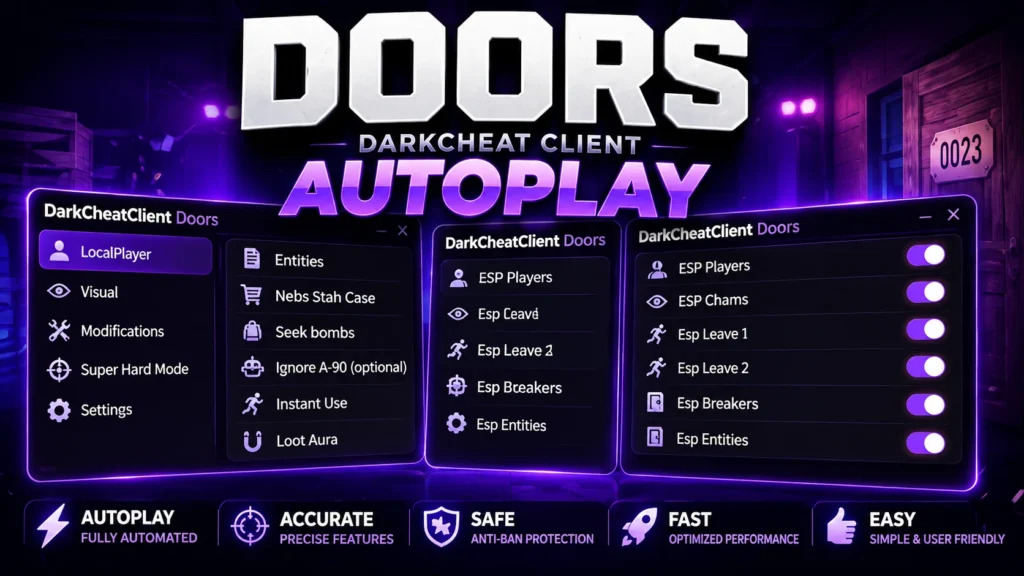
Many scripts use a graphical interface that organizes the available functions into different sections. Some releases are also advertised as keyless, which means users may not need to complete a separate key-verification process before accessing the script.
Because both Roblox and DOORS can receive updates, individual script functions may stop working or require an update. The features available today may not be identical to those included in older releases.
Table of Contents
What Is DOORS Script?
DOORS Script is a third-party Roblox script created specifically for the DOORS game. It provides additional controls that can change or automate certain aspects of normal gameplay.
Instead of relying entirely on the game’s standard mechanics, users may be able to access additional movement, visibility, teleportation, and progression-related functions through a custom GUI.
The exact feature list depends on the script version. Some releases may include only basic utilities, while others offer a larger collection of settings.
The Best Scripts for DOORS 2026
DOORS Script Fable Hub
loadstring(game:HttpGet("https://raw.githubusercontent.com/Havickzi/Rocket-script/refs/heads/main/Fable_Hub.lua"))()DOORS Script Shadow Hub
loadstring(game:HttpGet("https://shadowhub.pro/api/shadow"))()DOORS Script (BobDoors Hub)
loadstring(game:HttpGet("https://raw.githubusercontent.com/notzanocoddz4/bobdoors/main/main.lua"))()DOORS Script NEW FourHub
loadstring(game:HttpGet("https://raw.githubusercontent.com/jokerbiel13/FourHub/refs/heads/main/Doors.lua",true))()DOORS Script NullFire No Key
loadstring(game:HttpGet("https://raw.githubusercontent.com/NuIlFire/NullFire/main/loader.lua"))()DOORS Script Astral Hub
loadstring(game:HttpGet("https://pastebin.com/raw/8cKJvTwg"))()Kodbol Hub Doors Script
loadstring(game:HttpGet(('https://pastefy.app/awczkDwJ/raw'),true))()Tool Giver Doors Mobile Script
loadstring(game:HttpGet("https://raw.githubusercontent.com/Darli17/Entities/refs/heads/main/Tools"))()Doors Script Kitty Cats
loadstring(game:HttpGet("https://raw.githubusercontent.com/CatEnddroid/Kitty-Cats-Doors-Beta/refs/heads/main/hub.lua"))()Doors Mobile Script Leaf Hub Pastebin
loadstring(game:HttpGet("https://pastebin.com/raw/wbJTDuKw"))()DOORS Script Features
Unlock All Achievements
The Unlock All Achievements feature is designed to provide access to achievements supported by the script. Achievement-related functionality can depend heavily on the current DOORS update, so older versions may not work correctly after changes to the game’s progression system.
WalkSpeed
WalkSpeed allows users to adjust character movement speed through the script interface. This can make movement through rooms faster than the game’s standard settings.
The actual behavior can vary depending on the current version of DOORS.
FullBright
FullBright is designed to improve visibility in dark areas by increasing the brightness of the game environment.
Since DOORS relies heavily on dark rooms and atmospheric lighting, this feature can make certain areas easier to see.
Skip Level
Skip Level is designed to bypass parts of the normal progression and move the player ahead more quickly.
The feature may not work consistently after game updates because changes to room generation or progression can affect how third-party scripts interact with the game.
Fly
The Fly function provides an alternative movement option that allows the character to move through the environment in ways that are not normally available during standard gameplay.
Its functionality depends on the script and current game version.
ESP
ESP is designed to display additional information about entities or other relevant objects. Depending on the implementation, it may help users identify targets or objects that are difficult to see normally.
The exact ESP options can vary between script versions.
Teleports
Teleport functions allow players to move between selected locations more quickly. Depending on the script, available teleport options may relate to rooms, locations, or other areas of DOORS.
Teleport functionality can be affected by changes to the game’s map and room-generation systems.
Graphical User Interface
The script includes a graphical interface for managing its available functions. A GUI can make it easier to find settings without entering separate commands.
Depending on the release, features may be organized into categories such as movement, visuals, achievements, and teleportation.
Why Use a DOORS Script?
DOORS is designed around careful exploration and survival, which means players normally need to move through rooms, search for items, solve obstacles, and respond to entities.
A third-party script can provide additional controls for players who want to experiment with different gameplay options. Functions such as FullBright, WalkSpeed, ESP, Fly, and Teleports can change how players interact with the game’s environment.
However, these features may also change the intended gameplay experience. Users should understand that third-party scripts can violate Roblox’s rules and may carry account or security risks.
How to Use DOORS Script
The exact setup depends on the script and the third-party executor required by its current version. A general process may look like this:
- Open Roblox and sign in to your account.
- Launch DOORS.
- Use a compatible third-party executor if required.
- Obtain the latest version of the DOORS Script from its source.
- Copy the script code.
- Paste the code into the executor.
- Execute the script while DOORS is running.
- Wait for the graphical interface to appear.
- Review the available functions.
- Enable the features you want to test.
- Adjust settings such as WalkSpeed or other available options.
- Disable individual functions if they cause errors or unexpected behavior.
Do not provide your Roblox password, authentication cookies, session tokens, or other sensitive account information to third-party scripts or executors.
Is DOORS Script Keyless?
Some releases of DOORS Script are advertised as keyless, meaning they do not require users to complete an external key-verification process before using the available features.
However, key requirements can change between releases. Always check the current version rather than assuming that every DOORS script is keyless.
DOORS Script for PC
PC users can run third-party Roblox scripts when they have an executor that supports the current Roblox environment.
Compatibility is not guaranteed, however. Roblox updates can affect executors and scripts, so a script that worked previously may need to be updated.
If the GUI fails to load or individual features do not respond, check whether both the executor and script support the current Roblox version.
DOORS Script for Mobile
Mobile compatibility depends on the script and executor. Some third-party executors support Android or other mobile environments, while others are designed primarily for PC.
A script that works on Windows should not automatically be assumed to work on mobile. Always verify that the current release supports your device before attempting to use it.
Why DOORS Scripts Stop Working
Third-party scripts often depend on specific game systems. When DOORS or Roblox changes those systems, some functions can stop working.
Common causes include:
- DOORS received a major update.
- Roblox changed its underlying systems.
- The script has not been updated.
- The executor is incompatible with the current Roblox version.
- A particular feature was removed or changed.
- The game’s room or entity systems were modified.
Sometimes only one function becomes broken while the rest of the script continues to work.
How to Fix DOORS Script Problems
If the script does not work correctly, restart Roblox and try again with the latest available script version.
You should also check whether the executor has received an update. If the GUI loads but one feature does not respond, test the other functions separately to determine whether the problem is limited to a specific option.
When a major DOORS update has recently been released, an older script may simply need to be updated by its developer.
Is DOORS Script Safe?
Third-party Roblox scripts should always be used with caution. A script being described as free, keyless, or working does not guarantee that it is safe.
Unknown scripts may contain unwanted code, and unauthorized automation can violate Roblox’s rules and potentially lead to account restrictions.
Before running third-party code, consider whether you trust its source and avoid providing sensitive account information. Never share your Roblox password, cookies, authentication tokens, or other private credentials with a script provider.
DOORS Script Compatibility
Script compatibility can change frequently. A function that works on one version of DOORS may stop working after a game update.
Before using a script, consider checking:
- DOORS version
- Roblox version
- Executor compatibility
- Script update status
- Device compatibility
- Individual feature status
Checking these factors can make it easier to identify why a particular feature is not working.
Frequently Asked Questions
What is DOORS Script?
DOORS Script is a third-party Roblox script that provides additional gameplay functions for DOORS. Depending on the release, features can include Unlock All Achievements, WalkSpeed, FullBright, Skip Level, Fly, ESP, and Teleports.
What does FullBright do?
FullBright is designed to increase visibility in dark areas by making the game environment brighter.
Can DOORS Script change WalkSpeed?
Some versions include a WalkSpeed function that allows users to adjust character movement speed through the script interface.
Does the script include ESP?
Yes, ESP is among the features commonly advertised for this type of DOORS script. The exact ESP options depend on the current release.
Can the script teleport players?
Some releases include teleport functions that can move the player to selected locations or areas.
Is DOORS Script keyless?
Some versions are advertised as keyless, but key requirements can change between releases.
Does DOORS Script work on mobile?
Mobile support depends on the script and the executor. Not every release supports mobile devices.
Why did my DOORS Script stop working?
A Roblox or DOORS update may have changed systems that the script relies on. An outdated script or incompatible executor can also cause individual features to fail.
Can using a DOORS Script result in a ban?
Using unauthorized third-party scripts can violate Roblox’s rules and may result in account restrictions. No third-party script can guarantee that an account will remain free from penalties.
Conclusion
DOORS Script provides additional gameplay functions for players who want to experiment with features beyond the game’s standard mechanics. Depending on the version, the available options may include Unlock All Achievements, WalkSpeed, FullBright, Skip Level, Fly, ESP, Teleports, and other utilities.
The graphical interface can make these functions easier to manage, while keyless releases can simplify access when no verification system is required.
However, third-party scripts can become outdated when Roblox or DOORS changes its systems. They may also create security risks or violate Roblox’s rules. Always use caution with external code, keep your account information private, and verify compatibility before running any third-party script.