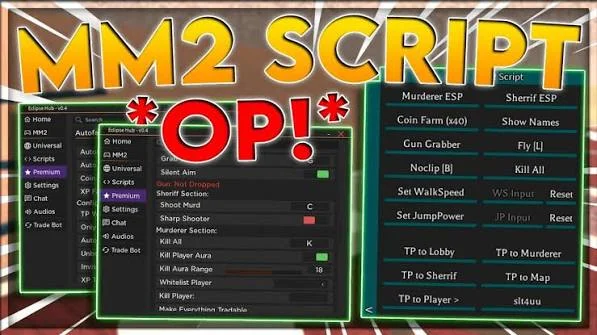
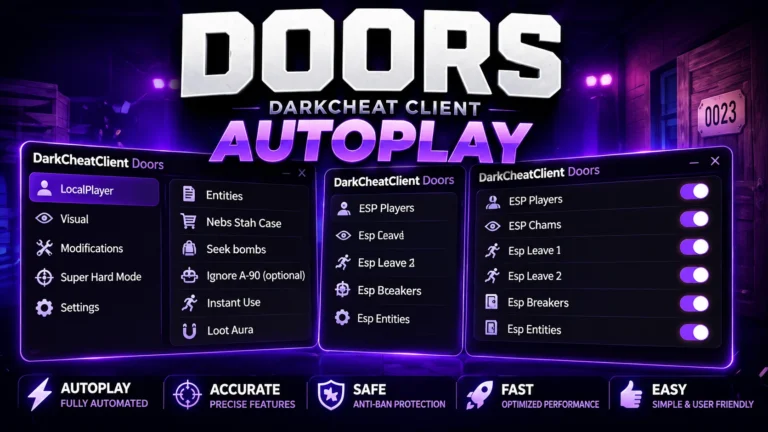
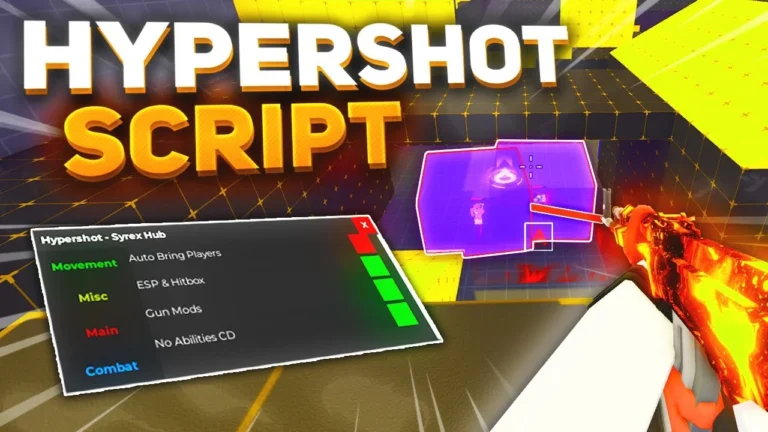
Nuke Your City Script is a newly released Lua-based Roblox script designed for players who want to automate gameplay, access powerful destruction-based abilities, and speed up progression in the popular Nuke Your City game. The script includes a variety of automation tools and utility features that help players interact with the game more efficiently while unlocking additional gameplay options.
Nuke Your City is a fast-paced Roblox experience focused on large-scale destruction, powerful weapons, city-wide attacks, and explosive effects. Players earn resources, unlock stronger abilities, and compete to cause the most destruction possible. As progression becomes more demanding, many players look for tools that can help automate repetitive tasks and improve efficiency.
The latest Nuke Your City Script introduces features such as Auto Nuke Activation, Auto Target, God Mode, Auto Server Hop, Anti-Kick, Visual & Sound Effects Controls, and several other automation functions. These features are designed to streamline gameplay and reduce the amount of manual effort required to progress through the game.
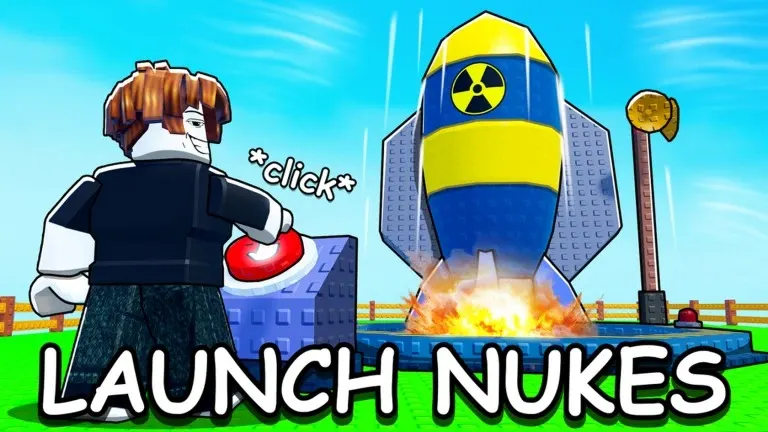
What Is Nuke Your City Script?
Nuke Your City Script is a custom Lua script created specifically for the Roblox game Nuke Your City. It runs through a compatible Roblox executor and provides players with a graphical interface that contains various automation and utility tools.
Instead of manually activating abilities, searching for targets, or repeating the same actions throughout gameplay, the script automates many of these tasks. This allows players to focus on exploring the game and unlocking new content more efficiently.
Many script developers regularly update their versions to remain compatible with new Roblox updates and game patches.
Download & Copy All Nuke Your City Script (2026)
ApelHub
loadstring(game:HttpGet("https://pastebin.com/raw/QbP99Zxv"))()
Features Of Nuke Your City Script
- Auto Nuke Activation – Automatically launches available nuke abilities when conditions are met.
- Auto Target – Helps identify and select targets automatically during gameplay.
- God Mode – Improves survivability against various in-game threats and damage sources.
- Auto Server Hop – Automatically switches servers to find new sessions and opportunities.
- Anti-Kick – Helps prevent certain automatic removals during gameplay sessions.
- Visual Effects Controls – Enhances or customizes visual effects generated by explosions and attacks.
- Sound Effects Management – Adjusts or controls in-game audio effects for a more personalized experience.
- Auto Farm Features – Automates various progression-related tasks.
- Fast Progression System – Helps players unlock upgrades and resources more efficiently.
- AFK Support – Allows extended farming and progression with minimal interaction.
- Anti AFK – Prevents inactivity disconnections during long sessions.
- Customization Settings – Allows users to configure script behavior according to personal preferences.
- User-Friendly GUI – Provides a simple and organized control panel for managing features.
- Performance Optimization – Improves overall efficiency while reducing repetitive gameplay actions.
Why Players Use Nuke Your City Script
Many players use Nuke Your City Script because destruction-based simulator games often require extensive grinding to unlock stronger abilities and upgrades.
Features such as Auto Nuke Activation and Auto Target help automate repetitive actions, while Auto Server Hop assists players in finding new environments to continue progression. God Mode and automation tools can help simplify difficult gameplay situations and improve overall convenience.
The script is especially popular among players who want to progress faster and spend less time repeating the same tasks.
Benefits Of Using Nuke Your City Script
The script offers several potential advantages:
- Faster progression
- Automated gameplay actions
- Easier resource farming
- Improved convenience
- Less repetitive grinding
- Automatic targeting systems
- Enhanced gameplay customization
- Efficient server management
- Extended AFK farming support
These features help reduce manual effort while improving overall gameplay efficiency.
How to Use Nuke Your City Script in Roblox
Running a script usually follows a simple process:
- First of all, open Roblox.
- Join the Nuke Your City game.
- Launch a script executor tool.
- Copy the script from the official website of Nuke Your City Script.
- Paste the Nuke Your City Script into the executor.
- Click on the execute button.
- Wait for the GUI menu to load.
- Enable features such as Auto Nuke Activation, Auto Target, or Auto Server Hop.
Most versions include a simple interface where all features can be managed with a few clicks.
Supported Executors
The script is commonly used with several Roblox executors, including:
- Delta Executor
- KRNL
- Fluxus
- Wave
- Xeno
- Hydrogen
- Arceus X
- Synapse X
Compatibility may vary depending on the platform and the current version of the executor.
Frequently Asked Questions (FAQs)
What is the Nuke Your City Script?
Nuke Your City Script is a Lua-based Roblox script that adds automation, progression tools, and utility features to the Nuke Your City game.
Does the script work on all Roblox games?
No. The script is specifically designed for Nuke Your City and may not function properly in other Roblox games.
Do I have to go through a key system?
Some versions are keyless, while others may require a short verification process before access is granted.
What executor should I use?
Popular choices include Delta Executor, KRNL, Fluxus, Wave, Xeno, Hydrogen, Arceus X, and Synapse X. Compatibility depends on your device and the script version.
Can it run on mobile devices?
Yes. Certain executors support Android and iOS devices. However, desktop platforms generally provide the best performance and stability.
Is using it completely safe?
No third-party script can be considered completely risk-free. Users should only download scripts from trusted sources and understand the potential risks associated with external tools.
What does Auto Nuke Activation do?
Auto Nuke Activation automatically triggers available nuke abilities when specific conditions are met, reducing the need for manual activation.
What is Auto Server Hop?
Auto Server Hop automatically switches servers, helping players find new sessions and different gameplay opportunities.
Does the script include customization options?
Yes. Most versions include various settings that allow users to adjust automation, visual effects, and other script functions.
Do I need coding knowledge to use the script?
No. Most Nuke Your City Script versions include a simple graphical interface that allows users to activate features without programming experience.
Conclusion
Nuke Your City Script is a feature-rich Lua-based Roblox tool designed to automate progression, improve efficiency, and provide additional gameplay options within Nuke Your City. With features such as Auto Nuke Activation, Auto Target, God Mode, Auto Server Hop, Anti-Kick, Visual Effects Controls, and Performance Optimization tools, players can streamline their experience and focus more on the action.
The script is particularly useful for players looking to reduce repetitive gameplay, speed up progression, and access convenient automation features. Its user-friendly interface and broad feature set make it a popular choice among members of the Roblox scripting community.
Whether you’re trying to unlock stronger abilities, automate repetitive tasks, or simply explore the game from a different perspective, Nuke Your City Script offers a variety of tools designed to enhance your overall gameplay experience.